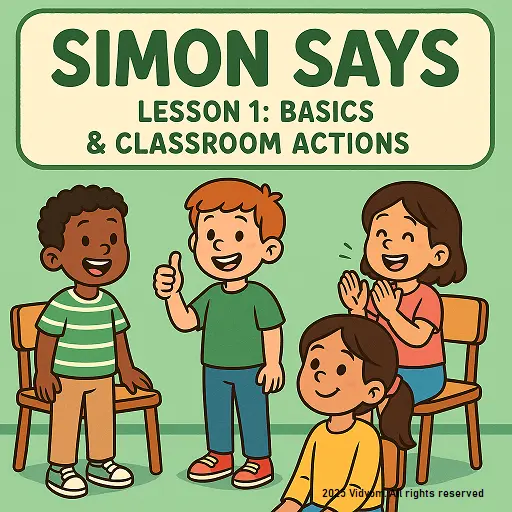
Simon Says Commands for Kids – Lesson 1: Basics & Classroom Actions
Welcome to Lesson 1! These Simon says commands for kids are perfect for warm-ups, classroom routines, and fun listening practice at home. Rule: kids move only when they hear “Simon says…”. Tap a card to preview, press Play Audio, and repeat the command clearly.
Sit down
How to do: Bend your knees and sit safely on a chair or on the floor.
Stand up
How to do: Put feet on the ground and rise tall with a straight back.
Come in
How to do: Walk inside politely with small, careful steps.
Go out
How to do: Turn toward the door and walk out safely, without rushing.
Stop
How to do: Freeze like a statue until the next command.
Get up
How to do: Rise slowly to stand up, keeping your balance.
Turn around
How to do: Turn one full circle slowly and keep your feet steady.
Smile
How to do: Make a happy face and smile gently.
Thumbs up
How to do: Make a fist and point your thumb up to say “good job!”
Clap your hands
How to do: Bring both hands together lightly—try 3 to 5 claps.
Simon Says Commands for Kids: Learning Benefits
This simple game is more than fun. It helps children build listening power, self-control, and confident classroom behavior while moving their bodies safely.
👂 Better Listening & Focus
Kids learn to wait, hear the full instruction, and respond at the right time—great for attention and concentration.
🧠 Self-Control & Patience
Stopping, starting, and freezing teaches self-control. Children practice “pause and think” before acting.
🏫 Classroom Routine Skills
Commands like sit down, stand up, and stop support daily classroom routines and smooth transitions.
💪 Movement & Coordination
Simple actions improve balance and body awareness, helping kids move confidently without rushing.

📲 Download VIDYOM App
Fun & interactive Kids Learning App! Install now and don’t forget to ⭐ rate us on Google Play.
Simon Says Commands for Kids: Printable / Quick List
Copy this list for class or print it for fast practice. Use it as a quick cheat-sheet while playing Simon Says.
✅ Lesson 1 Commands (Quick)
- 1Sit downSimon says: sit down.
- 2Stand upSimon says: stand up.
- 3Come inSimon says: come in.
- 4Go outSimon says: go out.
- 5StopSimon says: stop.
- 6Get upSimon says: get up.
- 7Turn aroundSimon says: turn around.
- 8SmileSimon says: smile.
- 9Thumbs upSimon says: thumbs up.
- 10
Clap your handsSimon says: clap your hands.🎤 Teacher / Parent Quick Lines
Use these short lines to keep kids excited and focused:
- “Ready… listen carefully!”
- “Remember: only do it if I say Simon says.”
- “Freeze like a statue!”
- “Great listening!”
- “Let’s try again—slow and safe.”
Tip: Start with 5 commands, then do the full 10.
- 10
Simon Says Commands for Kids – FAQs
Quick answers for parents and teachers using Lesson 1 commands with audio, actions, and safe classroom play.
What is Simon Says and how do kids play it?
Simon Says is a simple listening game. Kids do an action only when the leader starts the command with “Simon says…”. If the leader does not say those words, kids should stay still.
Which Lesson 1 commands are best for classroom routines?
For routines, use Sit down, Stand up, Stop, and Clap your hands. These are clear, safe, and easy for children to follow during transitions.
How many commands should I use for kids age 3–6?
Start with 5 commands, repeat 2–3 short rounds, and then add one new command at a time. Small lists help kids learn faster.
How can the audio buttons help pronunciation?
Play the audio once, then ask kids to repeat together. For best results, repeat the same command two times and keep the voice slow and clear.
What safety rules should we follow while playing?
Keep a clear space, avoid pushing, and use gentle actions. Tell kids to freeze immediately when they hear “Stop” and keep hands to themselves.
Can I use this lesson for warm-ups at home?
Yes. Do a 2–3 minute warm-up daily. Use the audio, copy the actions, and praise good listening. These simon says commands for kids work well even in a small room.
Simon says commands for kids – Explore More Lessons
Swipe with finger on mobile, or drag the scroll bar on desktop.