Technology in Teaching · Lesson 8
Teacher’s Digital Toolbox (Free & Paid Tools)
teachers digital toolbox helps you plan, teach, assess, and communicate with simple tools you can trust.
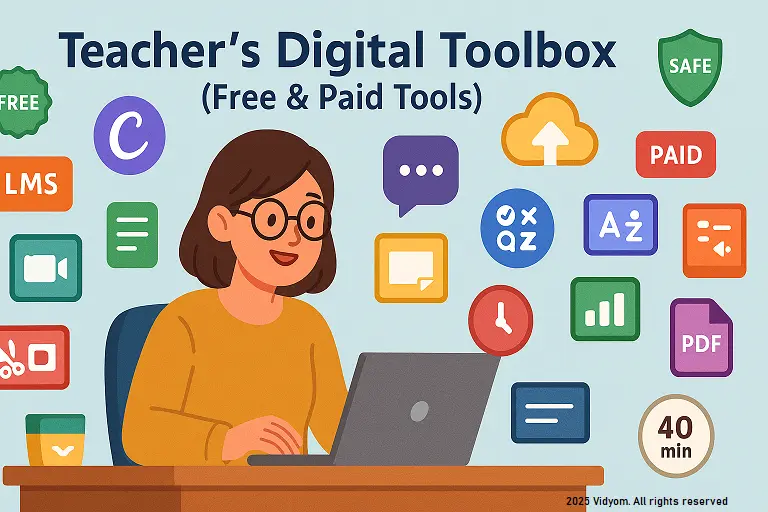
A focused teachers digital toolbox puts your planning, visuals, and feedback in one simple workflow. In this guide, you’ll choose a lightweight set of trusted tools for daily preschool routines—free when possible, paid only when it truly saves time.
Overview & Principles
- Start simple: one tool per job (plan → teach → check → share).
- Offline-friendly: pick apps that work with poor internet (downloadable slides, printables).
- Privacy first: minimal child data; disable public sharing links.
- Backup: export PDFs; keep a pen-and-paper fallback.
Free Tools (Best Picks)
- Slides/Docs: Google Slides/Docs for picture-led lessons & printable charts.
- Whiteboard: Microsoft Whiteboard or Jamboard-style alternatives.
- Image & Icons: Canva free tier; OpenClipart; built-in shapes.
- Timers & Sounds: simple web timers; CC music loops for transitions.
- Forms: Google Forms for quick parent check-ins and exit checks.
Paid Tools (Value Buys)
- Design pro: Canva Pro for brand kit & background remover.
- Worksheet maker: premium clip-art packs; handwriting fonts.
- LMS light: low-cost classroom app for announcements/portfolio.
- Audio kit: royalty-free sound library for routines.
Use Cases & Workflows
- Lesson visuals: make 6–8 picture slides; add big icons and 3 keywords only.
- Center cards: 4-step picture tasks (model → try → tidy → check).
- Assessment: exit tickets with 3 picture choices; capture with a form or photo.
- Family updates: weekly one-page snapshot; share as PDF only.
Setup Guides & Templates
- Slide template: title, picture, “Say/Do” prompt, quick check box.
- Printable pack: color chart, shape cards, ten-frame, tidy-up icon sheet.
- Form template: name, date, 3 multiple-choice checks, notes.
- Folder structure: 01_Plans · 02_Visuals · 03_Printables · 04_Assessment · 05_Family.
40-Minute Workflow (Sample)
- 5 min — Open slide deck + warm-up picture talk
- 8 min — Teach mini-lesson with icons + short demo
- 8 min — Center task using printed cards
- 8 min — Quick checks (stickers/form) + tidy
- 6 min — Story/rhyme visual + exit ticket
- 5 min — Save PDF snapshot + note to families
Quick Quiz (5 Questions)
Choose one option for each question and click Submit.
(1/7)

📲 Download VIDYOM App
Fun & interactive Kids Learning App! Install now and don’t forget to ⭐ rate us on Google Play.