Lesson Planning & Assessments · Lesson 7
Preparing Report Cards for Preschool
Clear indicators, fair rubrics, friendly comments, and a quick workflow that fits real classrooms.
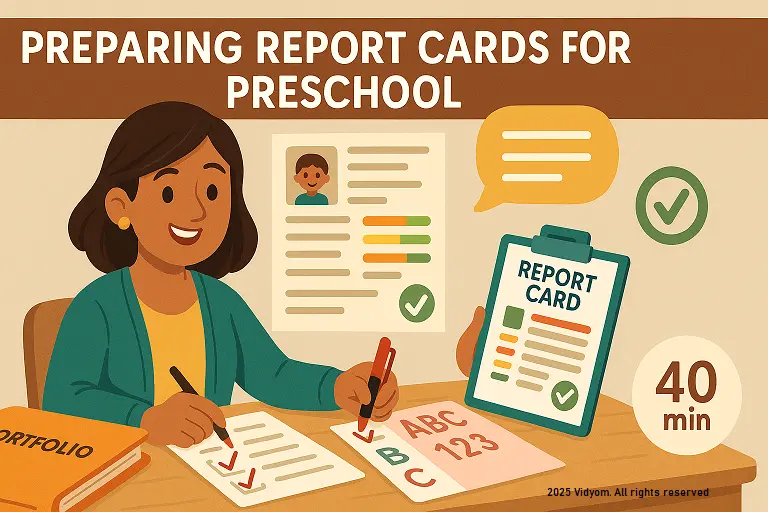
preschool report cards work best when they are specific, short, and supported by real classroom notes. With this guide, you’ll design preschool report cards using clear skill indicators, simple rubrics, and warm, strength-first comments.
Overview & Templates
- Keep it short: 5–7 domains (language, early math, motor, social, habits).
- One page: checkboxes + short comment box.
- Levels: ✅ independent · 🟡 with help · 🔴 practice.
- Evidence-first: notes/photos from class activities.
Skills & Indicators (Write What You See)
- Language: names common objects; speaks 3–5 word sentences.
- Early Math: counts to 10; compares more/less; matches numeral ↔ quantity.
- Motor: pencil grasp; cuts on line; beads string pattern.
- Social: shares turn; follows 2-step directions; tidies area.
- Habits: attends 8–10 mins; responds to quiet signal.
Evidence Collection (Little & Often)
- Mini notes: 1 line per child weekly (e.g., “blends /at/ with prompt”).
- Photo tags: center task + child name + date.
- Exit checks: “show 7”, “find /s/”, “sequence 3 pictures”.
- Folder: keep 2 samples per domain per term.
Rubrics & Levels (Fair & Clear)
- 3-level scale: ✅ independent · 🟡 with help · 🔴 practice.
- Descriptors: define what “independent” looks like for each skill.
- Consistency: use the same prompt length and materials.
- Bias check: rotate order; avoid only calling confident students.
Comments & Tone (Strength → Evidence → Next Step)
- Start positive: “Mina listens carefully and tries new tasks.”
- Add evidence: “Counts 6–8 with counters; writes 1–3 neatly.”
- One target: “Next: practice /s/ words with picture cards.”
- Plain words: no jargon; keep sentences short.
40-minute Reporting Workflow
- 8 min — Sort notes/photos by child (domains).
- 10 min — Mark levels (✅/🟡/🔴) for 2 domains.
- 10 min — Write 2 short comments (strength + evidence + target).
- 8 min — Double-check fairness (order, prompts, samples).
- 4 min — Save/export + share with coordinator.
Quick Quiz (5 Questions)
Choose one option for each question and click Submit.
(1/7)

📲 Download VIDYOM App
Fun & interactive Kids Learning App! Install now and don’t forget to ⭐ rate us on Google Play.