Using Smartboards & Projectors in Preschool (Simple, Safe & Fun)
Visual routines, tap-to-learn games, and safe projector use—plus a ready 40-minute demo lesson.
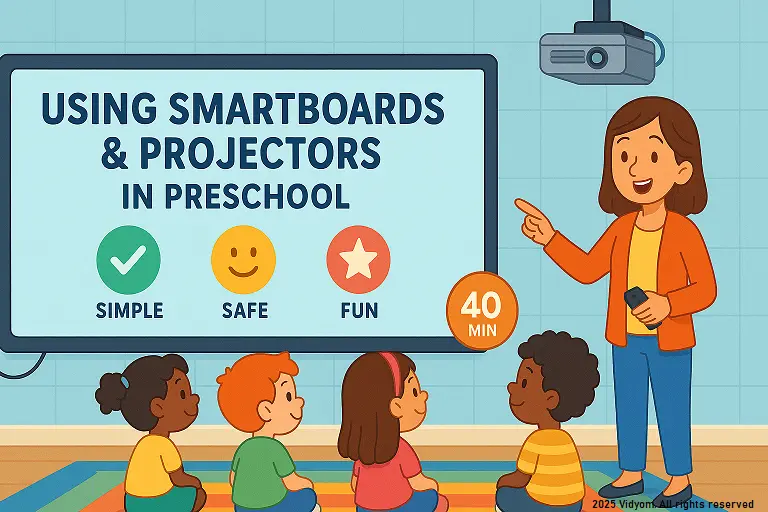
using smartboards and projectors in preschool becomes easy when you keep it visual, short, and interactive—tap, drag, and sing. In this guide, you’ll practice using smartboards and projectors in preschool with picture-first routines, simple touch games, and clear safety rules that fit daily lessons.
Overview & Setup
Keep displays bright, clean, and readable from the back row. Use large images, few words, and high contrast. Build a quick start routine so children know where to sit/stand and how to take turns.
- Setup: projector at safe height; smartboard calibrated; speakers on; remote/timer ready.
- Visual size: minimum 120–150 px text; 4–6 big icons per screen.
- Seating: semicircle on carpet; 3–4 “tap leaders” per turn.
- Timer cue: 2–3 minutes per activity; chime to rotate turns.
Visual Routines (Picture-First)
- Morning check-in: drag name cards to “Here”; count total.
- Weather & date: tap icons (sun/rain/cloud); move today’s date.
- Rules slide: three icons—eyes, quiet signal, gentle hands.
- Cleanup visual: 1) stop 2) tidy 3) sit—each with simple art.
Touch Games (2–3 mins each)
- Color pop: tap only “red” balloons; praise specific actions.
- Shape match: drag triangle/circle to outlines; quick self-check.
- Sound hunt: tap pictures starting with /s/; echo the sound.
- Count & show: reveal dots; children show with fingers.
Safety & Hygiene
- Distance: keep projector beam above heads; no staring at light.
- Cables: tape or cover floor wires; teacher handles plugs.
- Sanitise: wipe stylus/surface daily; hand-gel after turns.
- Eyes first: 20-second look away after every activity cycle.
Creating/Using Slides (Fast Template)
- One idea/slide: big picture, one action verb (tap/drag/say).
- Consistent cues: same corner for “next”; same color for “tap”.
- Audio: 3–6 sec clips only; fade out; avoid overstimulation.
- Offline copy: export PDF backup; store on pen drive.
Mini Timetable (Sample 40 minutes)
- 5 min — Morning check-in + weather
- 6 min — Touch game 1 (color/shape)
- 6 min — Touch game 2 (sound/number)
- 8 min — Slide story: picture walk + echo lines
- 10 min — Centers (smartboard station + 2 table tasks)
- 5 min — Exit check + calm song
Quick Quiz (5 Questions)
Choose one option for each question and click Submit.

📲 Download VIDYOM App
Fun & interactive Kids Learning App! Install now and don’t forget to ⭐ rate us on Google Play.