Technology in Teaching · Lesson 2
Educational Apps for Young Learners (Safe, Simple Picks)
Preschool-friendly app types, setup & rules, offline backups, and a 40-minute classroom plan.
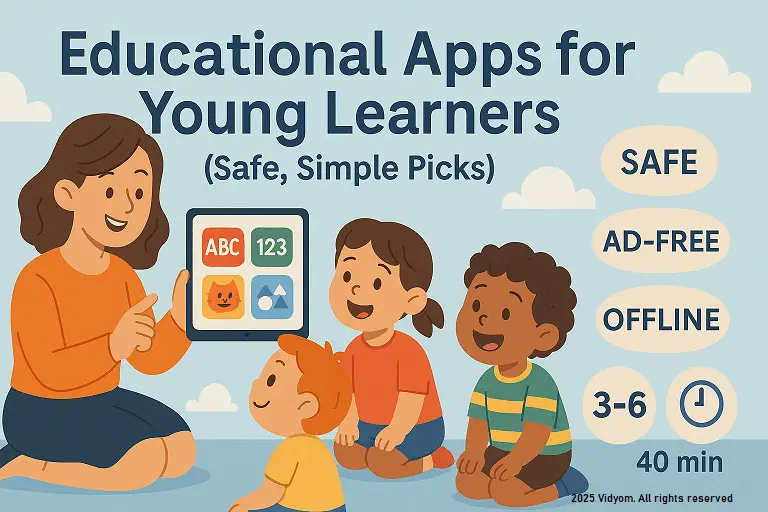
educational apps for young learners work best when they are visual, short, and tap-to-learn with clear goals and no ads. In this guide, you’ll choose and run educational apps for young learners with simple rules, handover timers, and quick checks so screen time stays safe and purposeful.
Overview & Criteria
Choose apps that are ad-free, simple, and short. Prefer concrete goals, large buttons, and audio support. Keep sessions brief with clear turn-taking.
- Must-have: no ads/in-app links, offline mode, child-safe navigation.
- Design: big visuals, 1 action per screen, verbal feedback.
- Timing: 5–7 minutes per child; rotate with a timer chime.
- Data: avoid logins; no personal info; local progress only.
App Types & Classroom Uses
- Phonics: tap starting sounds; blend CVC with tiles.
- Early Math: count, compare, ten-frames, simple patterns.
- Drawing/Creativity: trace letters/shapes; color by code.
- Stories: picture books with read-aloud; sequence 4 panels.
- Timer/Visuals: class visual timer; behaviour cue cards.
Setup, Rules & Safety
- Device prep: airplane mode, brightness mid, sound low.
- Rules: clean hands, gentle taps, 1 app only, pass on chime.
- Hygiene: wipe screens/stylus; hand-gel after turns.
- Posture: table height; eyes 30–40 cm from screen.
Offline/Low-Tech Options
- Phonics trays: object-sound sort; letter tiles on mats.
- Math cups: count beads to numeral cups; pattern strips.
- Story strips: 4 pictures → retell with sentence frames.
- Timer card: sand timer + turn card for rotations.
Mini Timetable (Sample 40 minutes)
- 5 min — App expectations + quick demo
- 8 min — Rotation 1 (Phonics app) + teacher coaching
- 8 min — Rotation 2 (Math app) + small group check
- 8 min — Rotation 3 (Story/creativity app)
- 6 min — Offline mirror task (worksheet/tray) matching app skill
- 5 min — Exit check + praise + tidy-up
Tips & Troubleshooting
- Freeze? force close → reopen; keep an offline backup task.
- Fights over turns? use visual timer + name cards.
- Too fast? switch to easier level; model slow taps.
- Overstimulating? reduce sounds; turn off effects.
Quick Quiz (5 Questions)
Choose one option for each question and click Submit.
(1/7)

📲 Download VIDYOM App
Fun & interactive Kids Learning App! Install now and don’t forget to ⭐ rate us on Google Play.