Classroom Management Skills · Lesson 6
Group Activities vs Individual Learning
Clear rules for group work, quiet choices for solo practice, and smooth rotations that fit your class.
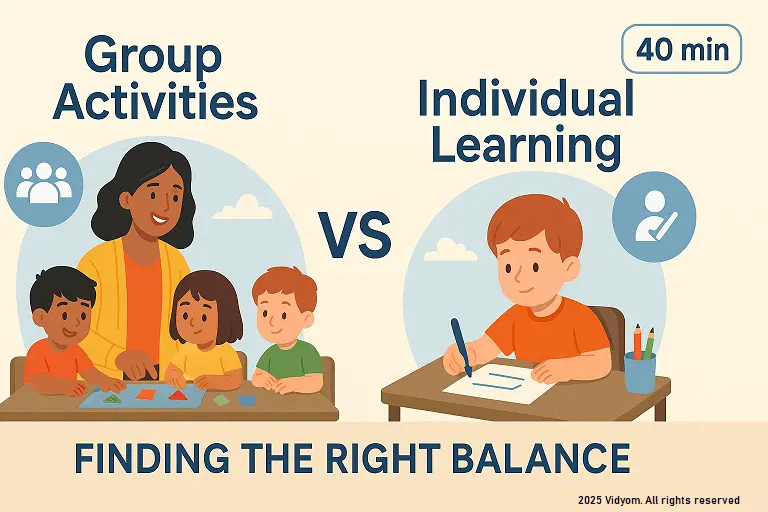
This guide helps you choose between group activities vs individual learning using signals, roles, and rotations. With quick checks and small adaptations, group activities vs individual learning stays balanced—every child participates and feels successful.
Overview & Materials
- Materials: role cards (leader, reader, helper, reporter), sand timers, task cards, quiet-choice menu, signal chime.
- Signals: “1-2-3 eyes on me” + hand raise + 5-second freeze.
- Zones: group carpet, table teams, quiet corner, teacher table.
- Flow: teach mini-lesson → choose mode (group/individual) → quick check.
When to Use Group Work
- Talk & share goals: vocabulary, stories, show-and-tell.
- Cooperative build: blocks, patterns, sorting races.
- Peer models: echo reading, action songs, turn-taking games.
- Teacher role: coach language and social rules.
When to Use Individual Work
- Fine-motor practice: tracing, letter formation, number writing.
- Focus tasks: puzzle mats, matching cards, ten-frame builds.
- Quiet choices: picture books, drawing, sensory bins.
- Teacher role: short 1:1 prompts and praise.
Rotations & Roles
- 3 stations: teacher table, team task, quiet choice.
- Roles: leader (start), reader (card), helper (materials), reporter (share).
- Timer: 8–10 mins → chime → tidy song (30 sec) → rotate clockwise.
- Fair turns: swap roles every rotation.
Quick Checks & Data
- Thumbs/show me: hold number/letter; show with fingers/tiles.
- 2-item exit: “circle the /s/”; “build 7 on ten-frame”.
- Sticker code: green = independent; yellow = with help; red = practice.
- Adjust: move child to solo task or peer support next round.
Mini Timetable (Sample 40 minutes)
- 6 min — Mini-lesson + signal practice
- 10 min — Group task (roles + share)
- 10 min — Individual practice (quiet choices)
- 10 min — Rotations (teacher/teams/quiet)
- 4 min — Exit checks + praise
Quick Quiz (5 Questions)
Choose one option for each question and click Submit.
(1/7)

📲 Download VIDYOM App
Fun & interactive Kids Learning App! Install now and don’t forget to ⭐ rate us on Google Play.