Technology in Teaching · Lesson 4
Using YouTube Safely for Kids’ Learning (Preschool Guide)
Create safe playlists, control ads/auto-play, and use offline viewing—without losing focus in class.
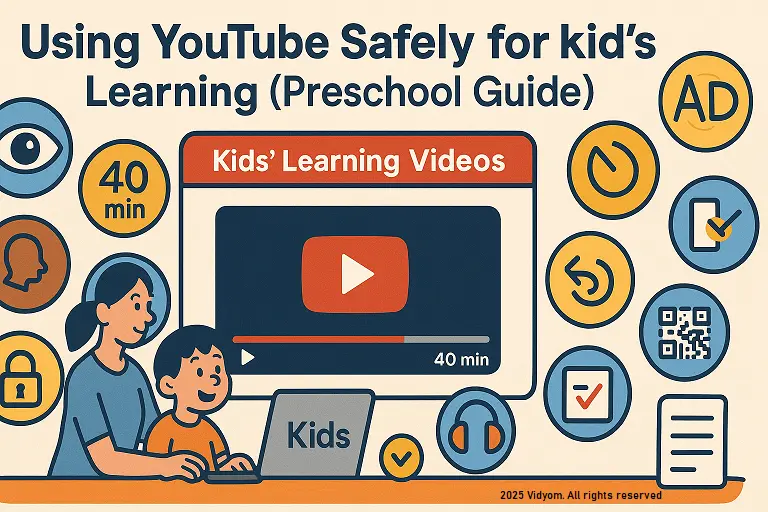
using youtube safely for kids learning starts with curation and controls—preload short clips, disable distractions, and keep routines tight. This guide shows using youtube safely for kids learning through locked playlists, ad/auto-play limits, offline options, and quick exit checks.
Overview & Rules
- Keep it short: 2–4 min clips; total video time ≤ 15 min in a 40-min block.
- Preview always: watch full clip first; avoid comments and sidebars.
- No free browsing: children never search; teacher opens full-screen only.
- Purpose: every clip must match the lesson target (phonics, rhyme, number).
Setup & Controls
- Restricted/Kids mode: use the safest available setting on device.
- Ads & auto-play: pause at end; switch off auto-play; avoid suggested videos.
- Network plan: preload while students are away; mute notifications.
- Display: mid brightness; volume under 70 dB; cables taped down.
Playlists & Offline Options
- Private playlists: 3–5 safe clips grouped by topic/week.
- Timestamp starts: link to exact moments to skip long intros.
- Offline plan: prepare local files/alternatives when internet is unstable.
- Caption use: large captions for key words; pause and echo read.
Classroom Routines
- Before play: picture walk—predict 3 words you will hear.
- During: echo lines + actions; stop every 40–60 seconds to respond.
- After: quick “turn & tell” or show on fingers (how many? what color?).
- Jobs: pause captain, volume helper, pointer partner.
Safety & Etiquette
- Screen distance: keep 2–3 m viewing; clear walking paths.
- Eyes break: look away to a window/plant for 10 seconds between clips.
- Respect creators: show channel name once; discourage copying uploads.
- Focus check: if chatter rises, pause and do 30-sec movement.
Mini Timetable (Sample 40 minutes)
- 5 min — Picture walk + target words
- 6 min — Clip 1 (pause/echo/actions)
- 6 min — Clip 2 (pause/echo/actions)
- 10 min — Centers: caption read · retell with cards · draw-and-label
- 5 min — Exit checks (show with fingers/say first sound)
- 8 min — Optional story or calm song
Quick Quiz (5 Questions)
Choose one option for each question and click Submit.
(1/7)

📲 Download VIDYOM App
Fun & interactive Kids Learning App! Install now and don’t forget to ⭐ rate us on Google Play.